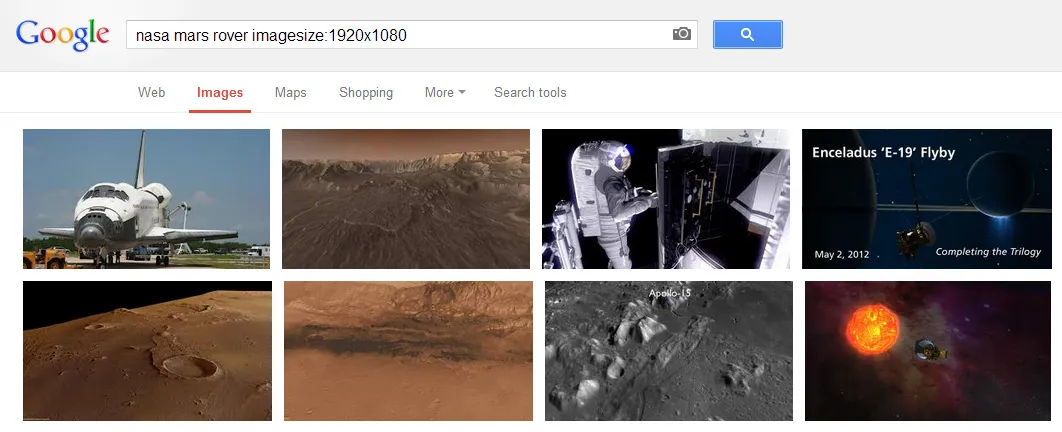
Google Images earlier offered a useful “search by size” option in advanced search to help you find logos, wallpapers and other images on the Internet by their exact size (or resolution).
For instance, you could limit your search for landscape photographs to image files that were at least 10 Megapixels in size. Or, if you are were using Google Image search to find wallpapers for the desktop, you could specify the image resolution as 1920×1080 pixels and Google would only return large images with those exact dimensions.
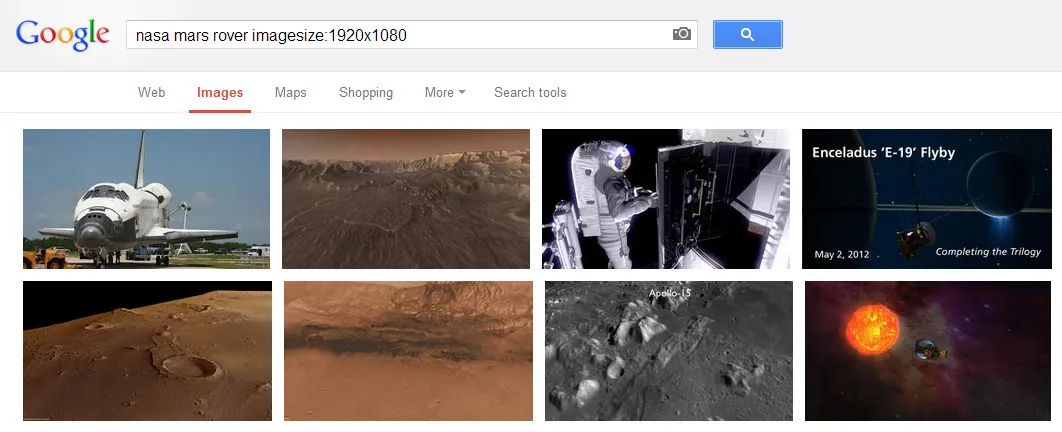
The “exact size” search option is no longer available in Google Image Search but you can still limit your image searches to a particular size by using the secret imagesize search operator in the query itself.
Here’s how.
Go to images.google.com and enter the search terms as before. Then append imagesize:WIDTHxHEIGHT to your query and hit Enter. Google Images will remove the operator from the query but the results will only display images that match the specified size.
The search by size operators works on the mobile version of Google as well so you may use the simple trick to find that perfect size wallpaper for your phone.
More Search Tricks
You an also use search operators in Gmail, Google Drive, YouTube and Twitter to easily find stuff you’re looking for.
Author

prakhar@affmantra.com
Related Posts

How to Add Speech Recognition to your Website
Table of Contents 1. Add Voice Recognition to your Website Open the Google website on your desktop computer and you’ll find a...
Read out all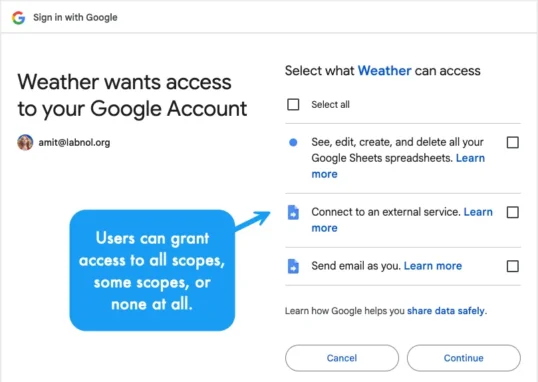
How to Handle OAuth Permissions in Google Add-ons
- 0
- 714 words
Table of Contents 1. How to Check for Required OAuth Scopes 1.1 The “Authorization Catch-22” Problem 1.2 How to Reset the Permissions...
Read out all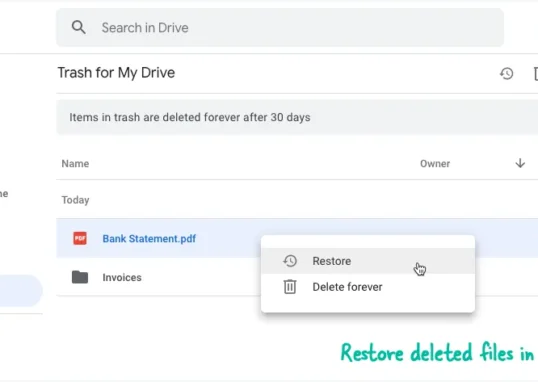
How to Recover Permanently Deleted Files and Folders in Google Drive
- 0
- 326 words
Table of Contents When you delete any file or folder in your Google Drive, it is moved to the trash folder. The...
Read out all
Simple URL Tricks for Google Drive You Should Know
- 0
- 374 words
Table of Contents 1. Google Drive URL Tricks 1.1 Google Drive Web Viewer 1.2 Reader Mode for Google Drive Files 1.3 Embed...
Read out all
How to Extract URLs from HYPERLINK Function in Google Sheets
- 0
- 201 words
The HYPERLINK formula of Google Sheets lets you insert hyperlinks into your spreadsheets. The function takes two arguments: The full URL of...
Read out all
Find and Remove Inactive Users in your Google Workspace Domain
- 0
- 388 words
Table of Contents 1. Find the inactive users in Google Workspace domain You can use Google Apps Script to find all the...
Read out all