Google Sheets offers a built-in SUBSTITUTE function that can can find and replace a specific text in a cell with another value. For instance, you can use =SUBSTITUTE("My favorite color is red", "red", "blue") to replace the text red in the string with blue. The SUBSTITUTE function is case-sensitive and will replace all occurrences of the search text.
Replace Multiple Values with SUBSTITUTE
Now consider a scenario where you have to replace multiple values in a string with different values. For instance, if you have a template string like My name is {{name}} and I work at {{company}} and you want to replace {{name}} with the actual name and {{company}} with the company name.
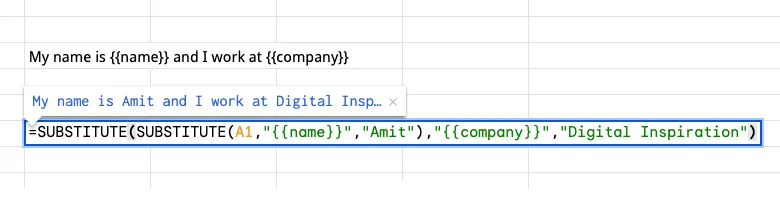
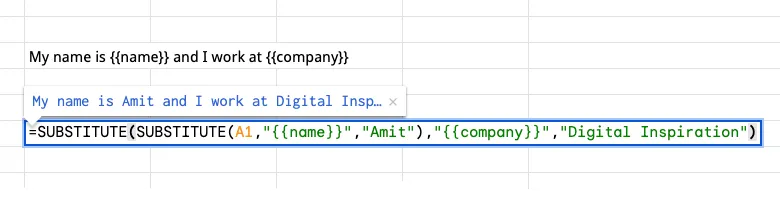
The SUBSTITUTE function is not helpful here because it can only replace one value at a time but you can use nested SUBSTITUTE functions to replace multiple values in a single cell. There would be one SUBSTITUTE function for each value that you want to replace.
Nested SUBSTITUTE Functions
=SUBSTITUTE(
  SUBSTITUTE(A1,"{{name}}","Amit"),
   "{{company}}","Digital Inspiration")
Multiple Substitute Function for Google Sheets
The nested approach works, but the formula can get long and complex when you have to replace multiple values in a single cell. Here’s a simpler approach that uses Google Apps Script to create a custom function that can replace multiple values in a single call.
=MULTI_SUBSTITUTE(A1, "replace_1", "value_1", "replace_2", "value_2", ... "replace_n", "value_n")The function takes the input string as the first argument and then pairs of search and replace values. Each pair has two values – the first value is the search text and the second value is the replacement text. The function will replace all occurrences of the search text in the input string with the corresponding replacement text.
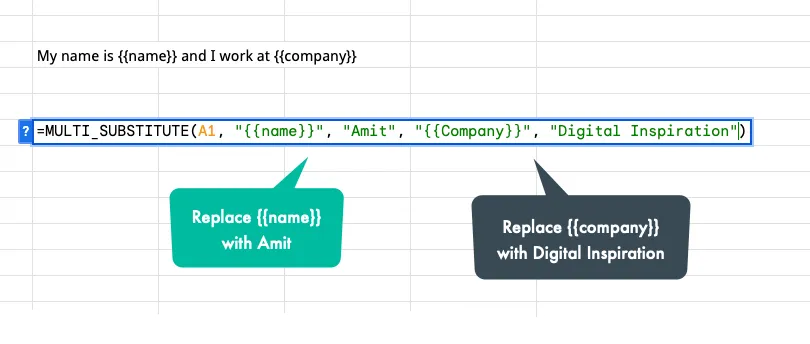
Open your Google Sheet, go to Extensions > Apps Script and paste the following code in the script editor. Save the script and you can now use the MULTI_SUBSTITUTE function in your Google Sheet to replace multiple values in a single cell.
/**
 * Replaces multiple occurrences of search text in a string with new values.
 * @returns {string} The modified string with replacements made.
 *
 * @customfunction
 */
function MULTI_SUBSTITUTE(text, ...opts) {
  for (let i = 0; i < opts.length; i += 2) {
    const searchValue = opts[i];
    const replaceValue = opts[i + 1];

    // Regex for case-insensitive search (flags 'gi')
    const regex = new RegExp(searchValue, "gi");

    // Replace all occurrences of the search value
    text = text.replace(regex, replaceValue || "");
  }
  return text;
}
This custom function uses regular expressions to replace all occurrences of the search value in the input string. The i flag in the regular expression makes the search case-insensitive unlike the built-in SUBSTITUTE function.
You can also use the multiple substitute function to generate pre-filled links for Google Forms.
Author

prakhar@affmantra.com
Related Posts

How to Add Speech Recognition to your Website
Table of Contents 1. Add Voice Recognition to your Website Open the Google website on your desktop computer and you’ll find a...
Read out all
How to Handle OAuth Permissions in Google Add-ons
- 0
- 714 words
Table of Contents 1. How to Check for Required OAuth Scopes 1.1 The “Authorization Catch-22” Problem 1.2 How to Reset the Permissions...
Read out all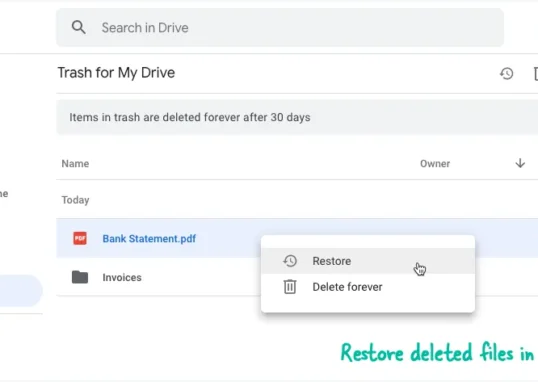
How to Recover Permanently Deleted Files and Folders in Google Drive
- 0
- 326 words
Table of Contents When you delete any file or folder in your Google Drive, it is moved to the trash folder. The...
Read out all
Simple URL Tricks for Google Drive You Should Know
- 0
- 374 words
Table of Contents 1. Google Drive URL Tricks 1.1 Google Drive Web Viewer 1.2 Reader Mode for Google Drive Files 1.3 Embed...
Read out all
How to Extract URLs from HYPERLINK Function in Google Sheets
- 0
- 201 words
The HYPERLINK formula of Google Sheets lets you insert hyperlinks into your spreadsheets. The function takes two arguments: The full URL of...
Read out all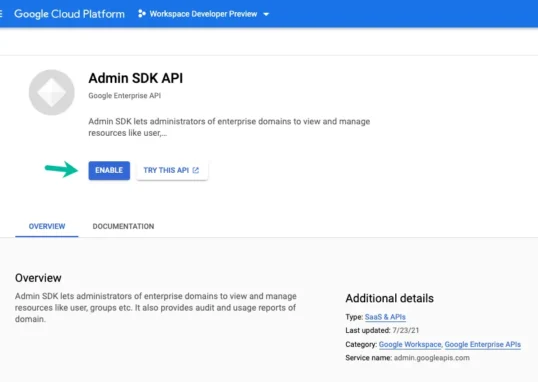
Find and Remove Inactive Users in your Google Workspace Domain
- 0
- 388 words
Table of Contents 1. Find the inactive users in Google Workspace domain You can use Google Apps Script to find all the...
Read out all