
Google offer users an option to opt-out of their Google Analytics system. That basically means that if you visit a website that uses Google Analytics for tracking, your visit won’t be recorded by Google.
Over the past year, we have been exploring ways to offer users more choice on how their data is collected by Google Analytics. We concluded that the best approach would be to develop a global browser based plug-in to allow users to opt out of being tracked by Google Analytics.
The opt-out feature in Google Analytics is available as an add-on for Google Chrome, Safari, Microsoft Edget and Firefox browsers. Once installed, the tracking information gathered by Google Analytics JavaScript (ga.js, analytics.js) will not be sent to Google Analytics servers.
Also see: How to Opt-out of Interest Advertising
Hide your Visits from Google Analytics
The Google Analytics opt-out tool needs to be installed on all browsers but if you want to prevent Google Analytics from tracking your visit system-wide, open your Windows hosts file and add the following line:
# [Google Analytics] 127.0.0.1 www.google-analytics.comThe Google Analytics tracking image (utm.gif) and the JavaScript (ga.js) are both served from google-analytics.com.
Author

prakhar@affmantra.com
Related Posts

How to Add Speech Recognition to your Website
Table of Contents 1. Add Voice Recognition to your Website Open the Google website on your desktop computer and you’ll find a...
Read out all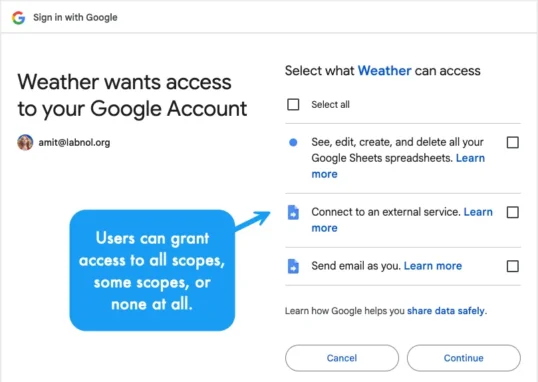
How to Handle OAuth Permissions in Google Add-ons
- 0
- 714 words
Table of Contents 1. How to Check for Required OAuth Scopes 1.1 The “Authorization Catch-22” Problem 1.2 How to Reset the Permissions...
Read out all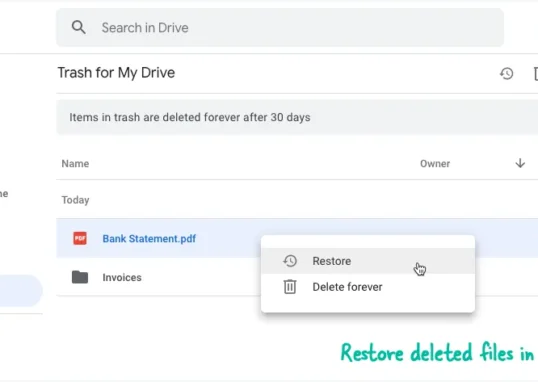
How to Recover Permanently Deleted Files and Folders in Google Drive
- 0
- 326 words
Table of Contents When you delete any file or folder in your Google Drive, it is moved to the trash folder. The...
Read out all
Simple URL Tricks for Google Drive You Should Know
- 0
- 374 words
Table of Contents 1. Google Drive URL Tricks 1.1 Google Drive Web Viewer 1.2 Reader Mode for Google Drive Files 1.3 Embed...
Read out all
How to Extract URLs from HYPERLINK Function in Google Sheets
- 0
- 201 words
The HYPERLINK formula of Google Sheets lets you insert hyperlinks into your spreadsheets. The function takes two arguments: The full URL of...
Read out all
Find and Remove Inactive Users in your Google Workspace Domain
- 0
- 388 words
Table of Contents 1. Find the inactive users in Google Workspace domain You can use Google Apps Script to find all the...
Read out all