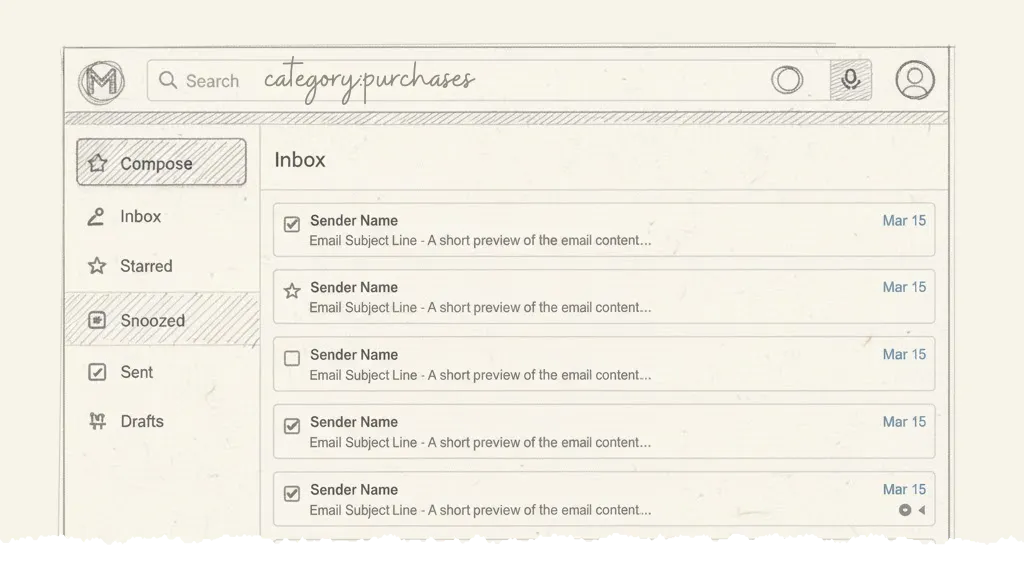
Did you know that Gmail has a hidden feature that will help you find all your receipts, invoices and purchase history in your Gmail inbox? Whether you have an invoice from PayPal, a purchase receipt from Amazon or the credit card statement from your bank, you can find it all in your Gmail inbox.
Find All Purchase-Related Emails
Go to your Gmail search box and type the following query:
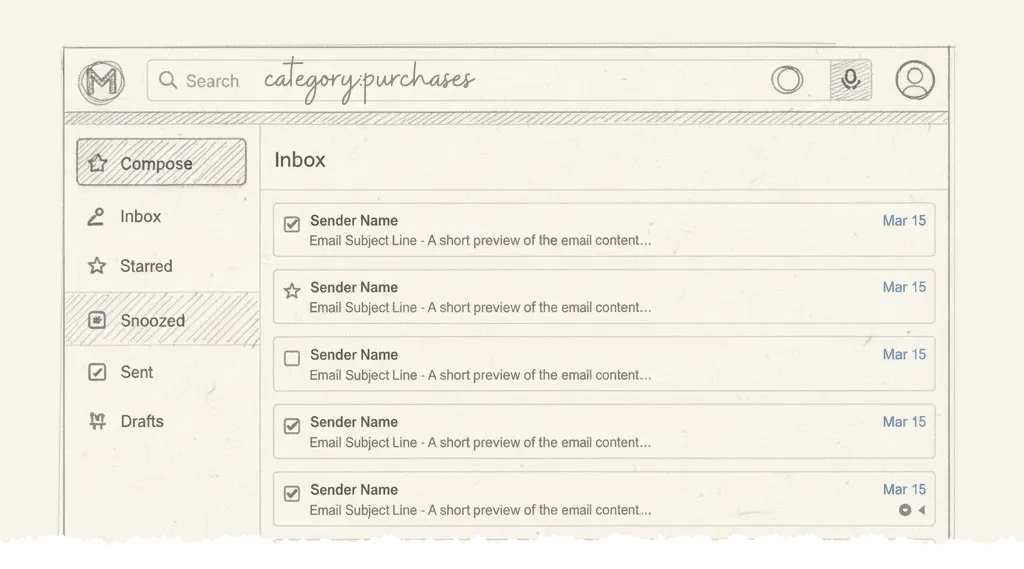
category:purchasesGmail, internally, assigns a category purchases to all emails that are related to purchases. This includes receipts, invoices, purchase history, credit card statements, digital downloads and other related emails.
Combine with Other Search Operators
You can combine the category:purchases operator with other Gmail search operators to refine your search. For example:
- Find purchases from a specific vendor:
category:purchases from:amazon.com - Find purchases from a specific date range:
category:purchases after:2024/1/1 before:2024/12/31 - Find large purchase receipts:
category:purchases larger_than:1M - Find purchases with attachments:
category:purchases has:attachment
Automatically Save Receipts and Invoices
You can use the Save Emails add-on to automatically download all the invoices and receipts as PDFs to your Google Drive. This is particularly useful for organizing your financial records or preparing for tax season.
Also see: Find Large Files in Google Drive
Author

prakhar@affmantra.com
Related Posts

How to Add Speech Recognition to your Website
Table of Contents 1. Add Voice Recognition to your Website Open the Google website on your desktop computer and you’ll find a...
Read out all
How to Handle OAuth Permissions in Google Add-ons
- 0
- 714 words
Table of Contents 1. How to Check for Required OAuth Scopes 1.1 The “Authorization Catch-22” Problem 1.2 How to Reset the Permissions...
Read out all
How to Recover Permanently Deleted Files and Folders in Google Drive
- 0
- 326 words
Table of Contents When you delete any file or folder in your Google Drive, it is moved to the trash folder. The...
Read out all
Simple URL Tricks for Google Drive You Should Know
- 0
- 374 words
Table of Contents 1. Google Drive URL Tricks 1.1 Google Drive Web Viewer 1.2 Reader Mode for Google Drive Files 1.3 Embed...
Read out all
How to Extract URLs from HYPERLINK Function in Google Sheets
- 0
- 201 words
The HYPERLINK formula of Google Sheets lets you insert hyperlinks into your spreadsheets. The function takes two arguments: The full URL of...
Read out all
Find and Remove Inactive Users in your Google Workspace Domain
- 0
- 388 words
Table of Contents 1. Find the inactive users in Google Workspace domain You can use Google Apps Script to find all the...
Read out all